Incorporating Multimedia in Digital Learning Materials: Spark Curiosity, Deepen Understanding

Why Multimedia Accelerates Learning Outcomes

Research by Allan Paivio on dual coding and Richard Mayer’s multimedia principles shows that pairing concise narration with relevant visuals improves comprehension. The coherence, signaling, and spatial contiguity principles guide us to include only purposeful media that works together.

Interactive Video that Teaches, Not Just Plays

Give learners control with branching paths that mirror real decisions. In a customer service module, choosing an empathetic response unlocks a different outcome than a rushed reply. Ask viewers which branch surprised them, and why the consequence felt realistic.

Interactive Video that Teaches, Not Just Plays

Pause video at key moments to prompt predictions or reflections. Immediate, explanatory feedback strengthens memory. Mix confidence checks with hints, and encourage viewers to share timestamps where feedback clarified confusing steps or revealed a common misconception.


Audio that Guides: Narration, Podcasts, and Sound

Narration that Adds Value, Not Redundancy

Avoid reading on-screen text verbatim. Use narration to interpret diagrams, draw attention to patterns, and preview difficult steps. Encourage learners to note moments when narration made a complex visual finally click, then share those examples with peers.

Sound Design and Clarity

Clean audio beats fancy effects. Use a pop filter, consistent levels, and gentle room treatment. Minimal transition cues can guide attention without distraction. Ask listeners whether quieter backgrounds improved focus or if brief stingers helped mark important shifts.

Student-Produced Audio Projects

Invite learners to create short explainers or interviews. Producing audio encourages organization, rehearsal, and reflection. Provide rubrics, examples, and clear accessibility guidelines. Solicit submissions and compile a class playlist that showcases diverse voices and interpretations.

Pictures that Explain: Graphics, Diagrams, and Data

Choose chart types that match questions, not aesthetics. Use annotations to narrate the insight and align color with meaning. Invite readers to post a confusing chart they found online, then co-create a clearer redesign together.

Pictures that Explain: Graphics, Diagrams, and Data

Describe function, not decoration, in alt text. Maintain sufficient contrast and avoid color-only prompts. Provide long descriptions for complex diagrams. Ask your audience which accessibility practices most improved their learning and what remains challenging in your materials.

Immersive Paths: AR/VR for Authentic Practice

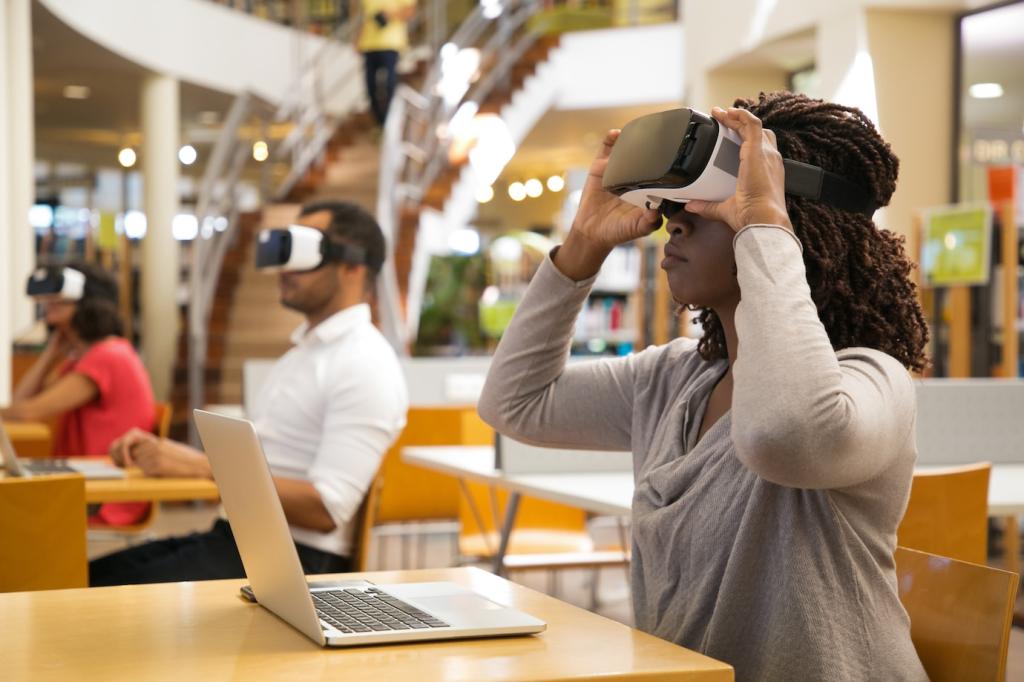
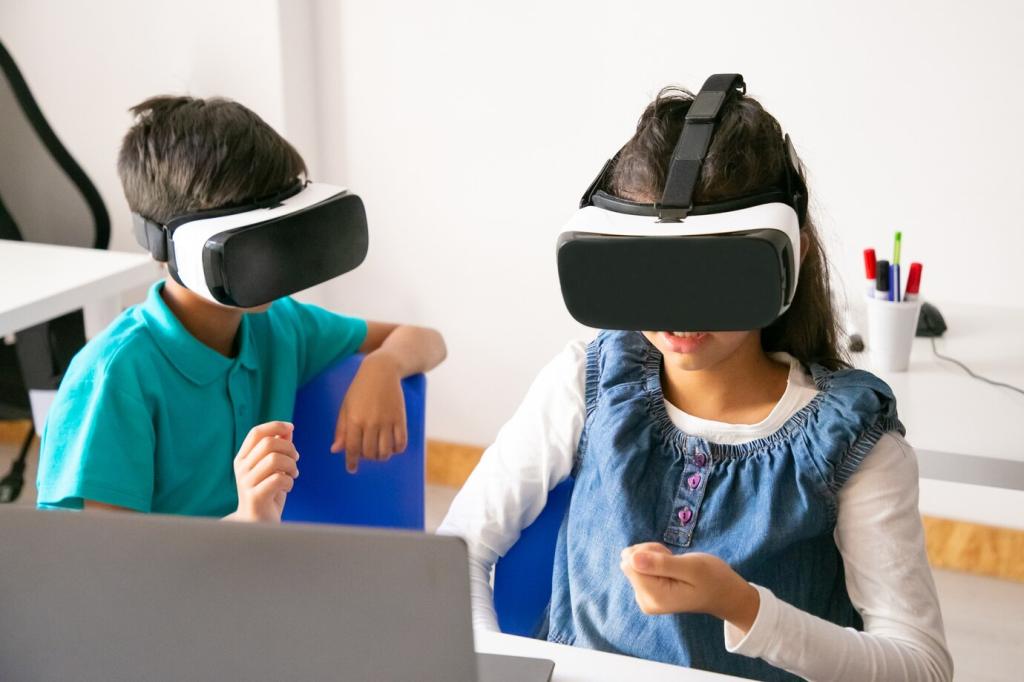
Choose AR for overlays on real equipment and VR for full-process practice. Prioritize tasks where spatial understanding matters. Invite learners to describe a scenario that 2D media struggled to convey and how immersion might change the experience.

Immersive Paths: AR/VR for Authentic Practice

Set time limits, provide seated options, and offer non-immersive equivalents. Ensure clear onboarding with simple controls. Ask participants to flag discomfort early, and collect accessibility suggestions to refine your immersive alternatives and policies.
Vilonarexo
Privacy Overview

This website uses cookies so that we can provide you with the best user experience possible. Cookie information is stored in your browser and performs functions such as recognising you when you return to our website and helping our team to understand which sections of the website you find most interesting and useful.